Communicate digitally
Looking for resources to help communicate with our union members? On this page are links to templates, forms and other resources that can help!

Print Request Forms
Communications Templates
Below are links to templates that will help leaders communicate with members. These are Microsoft Word documents that will allow you to add the information you want.
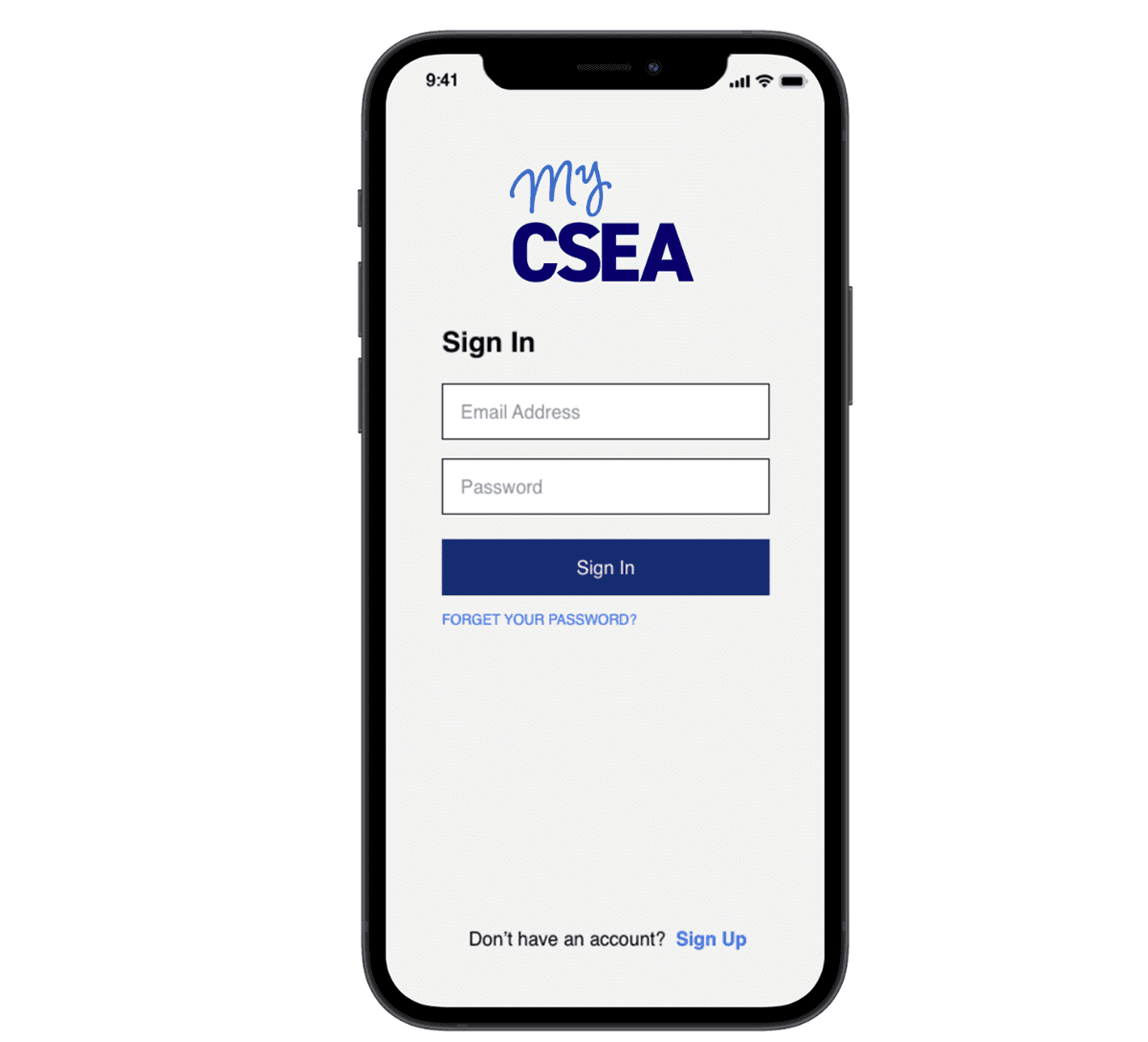
Download the MyCSEA App
The MyCSEA app is very easy to navigate and full of useful information not only for officers but also for members. This link will help you get started.
CSEA Branding Guide and Logos
CSEA encourages locals and units to follow our branding guidelines because it will help members recognize that they belong to our union.
NOTE: CSEA’s new logo is trademarked and uses a font, DIN2014, that is, by design, inaccessible. Therefore we encourage you to use the following fonts to go with our new logo: Richmond and Garamond.
Just below the branding guide are a series of downloadable logo files. Further down are links to how to create an email signature with the new logo and how to use our template as a background for zoom meetings.
Social Media
Stay in touch with members through social media. Use these recommendations to start a local/unit page.
Make sure to follow CSEA on all of our social media channels.